Apple StandardEasing
The smooth ease in and out behind Apple-style motion. Select two keyframes, one click. Next to it, the same move on After Effects' Easy Ease.

Enter your email. Your download opens right away, and 7 short lessons follow, one preset a day.
You're in. Opening your free download...
By continuing you join the 8bitbrain email list: the 7 lessons, then occasional news and offers. Unsubscribe anytime. Privacy policy
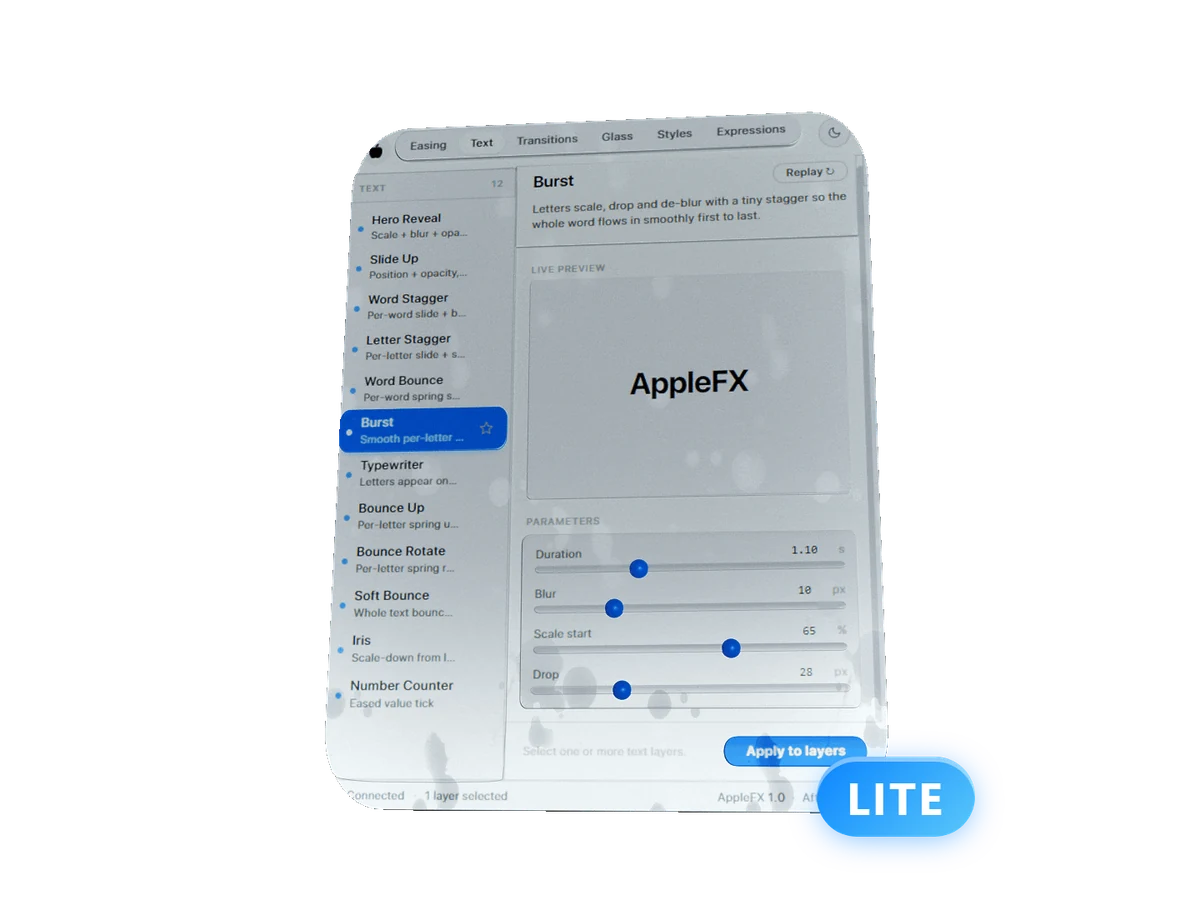
Seven AppleFX presets for After Effects. Free.
After Effects 2022 or newer. Windows and Mac. Installs next to the full AppleFX.
Your download and 7 short lessons, one preset a day, come to your email.
The same presets as the full AppleFX, in the same panel. Select a layer, pick one, press Apply.
The smooth ease in and out behind Apple-style motion. Select two keyframes, one click. Next to it, the same move on After Effects' Easy Ease.
Scale, blur and opacity land together. The keynote title in one click.
Text slides in and fades by letter, word or line, from the side you pick.
Each letter swings into place from its base on a real spring.
Scales up from zero with a small overshoot. The Keynote pop for logos, cards and icons.
A quick vertical punch that settles fast. Put it on an adjustment layer at the cut.
Fades in at the in point and out at the out point, no keyframes. Trim the layer and the fades follow.
Lite is the real AppleFX panel with seven presets open. The other 66 are right there with a preview.
| What you get | LiteFree | AppleFX$89, one payment |
|---|---|---|
| Presets | 7 | 73 |
| Easing curves and springs | 1 | 9 |
| Text animations | 3 | 24 |
| Transitions and Stagger | 1 | 12 |
| Shakes | 1 | 5 |
| Expressions | 1 | 11 |
| Liquid Glass | ||
| Styles | 9 | |
| Custom curves and saved presets | ||
| Free updates | ||
| Cortex panel ($39 value) | Free |
Ready for the rest? Code LITE20 takes 20% off AppleFX, and Cortex comes free with it.
Get AppleFXCheck out for free and the download link lands in your inbox right away.
Open the file with the free aescripts ZXP/UXP Installer. One click, Windows or Mac. Get the installer ↗
Restart After Effects and open it from the Window menu. It sits next to the full AppleFX if you have it.
Window›Extensions›AppleFX LiteNo license key and no account. Lite works offline.
Yes. Lite costs nothing and stays free, and no card is needed. You get it with your email: the download opens right away, and you join the 8bitbrain list for 7 short lessons and occasional news. Unsubscribe anytime.
No. There is no trial and no time limit. Lite has no license key, works offline and keeps working for as long as you use it.
AppleFX installs as its own panel with all 73 presets. You can keep Lite next to it or remove it, nothing breaks either way.
Yes. Lite works on macOS and Windows, the same as the full AppleFX.
After Effects 2022 or newer.

Get the panel tonight and your next edit already moves like a keynote.
After Effects 2022 or newer. Windows and Mac. No card needed.