
1.0.6ReleasedJune 2026
Steadier and sharper
- New Side to Center transition
- Refined Hairline style
- Smarter active-composition detection
- License transfer and deactivate fixed
Apple-grade motion for After Effects.
70+ presets across seven tabs: easing, text, transitions, Liquid Glass and more. Pick one, press Apply, and it lands on your layers.
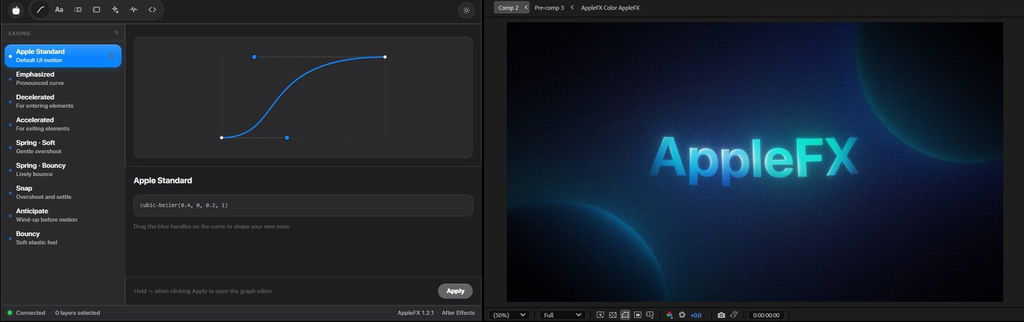
Every preset follows the easing Apple uses across iOS and macOS. That is why everything AppleFX touches feels native, calm and expensive.
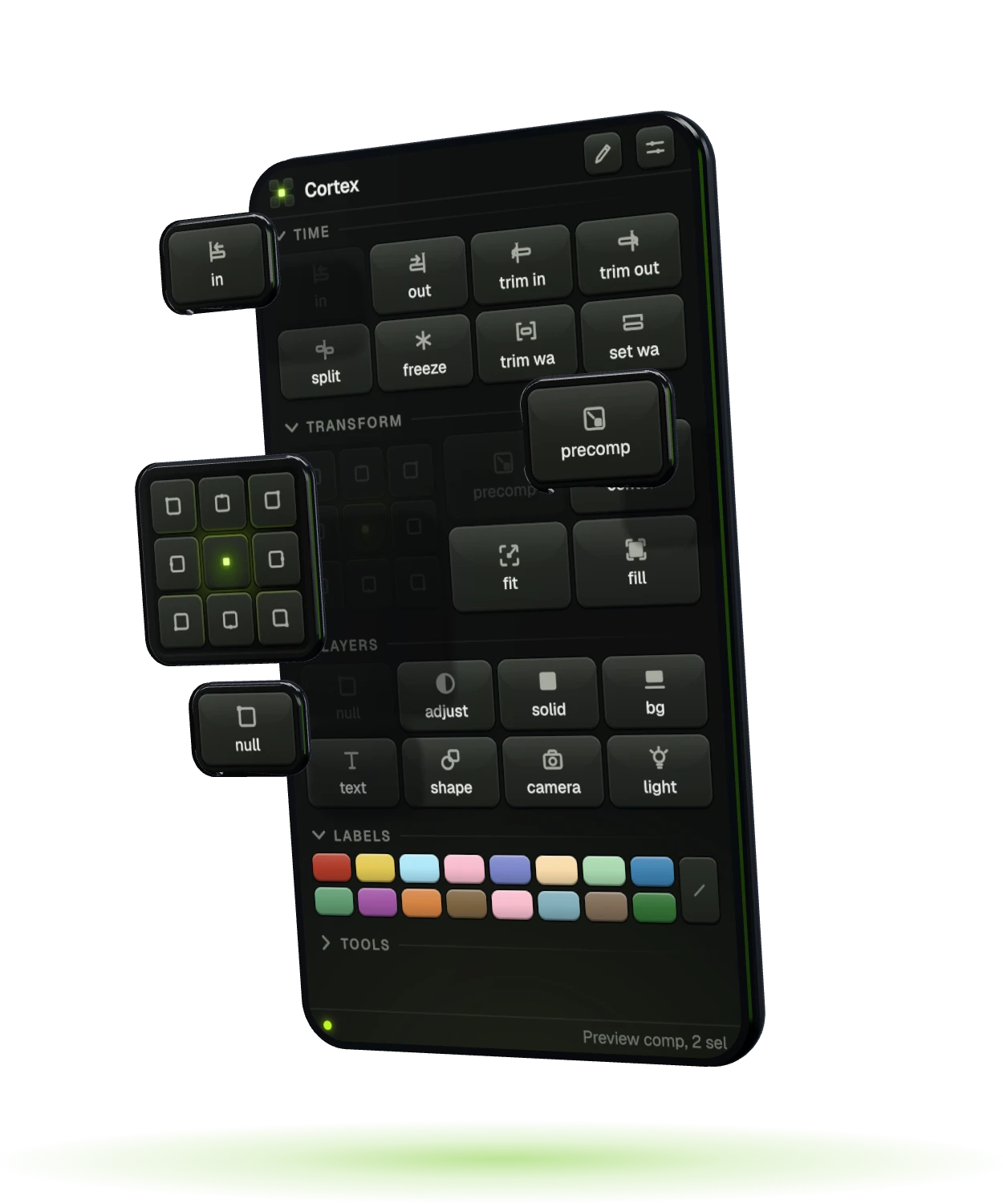
Every timeline chore. One click.
Our new After Effects panel ships free with AppleFX: anchor point, precomp, move layers to the playhead, split, smart null, labels and batch rename. 50+ one-click actions, zero dialogs.
Cortex is added to your cart automatically. No code needed.
Every one tuned by hand. Every one a single click.
Easing, Text, Transitions, Glass, Styles, Shakes and Expressions. Every kind of motion in one place.
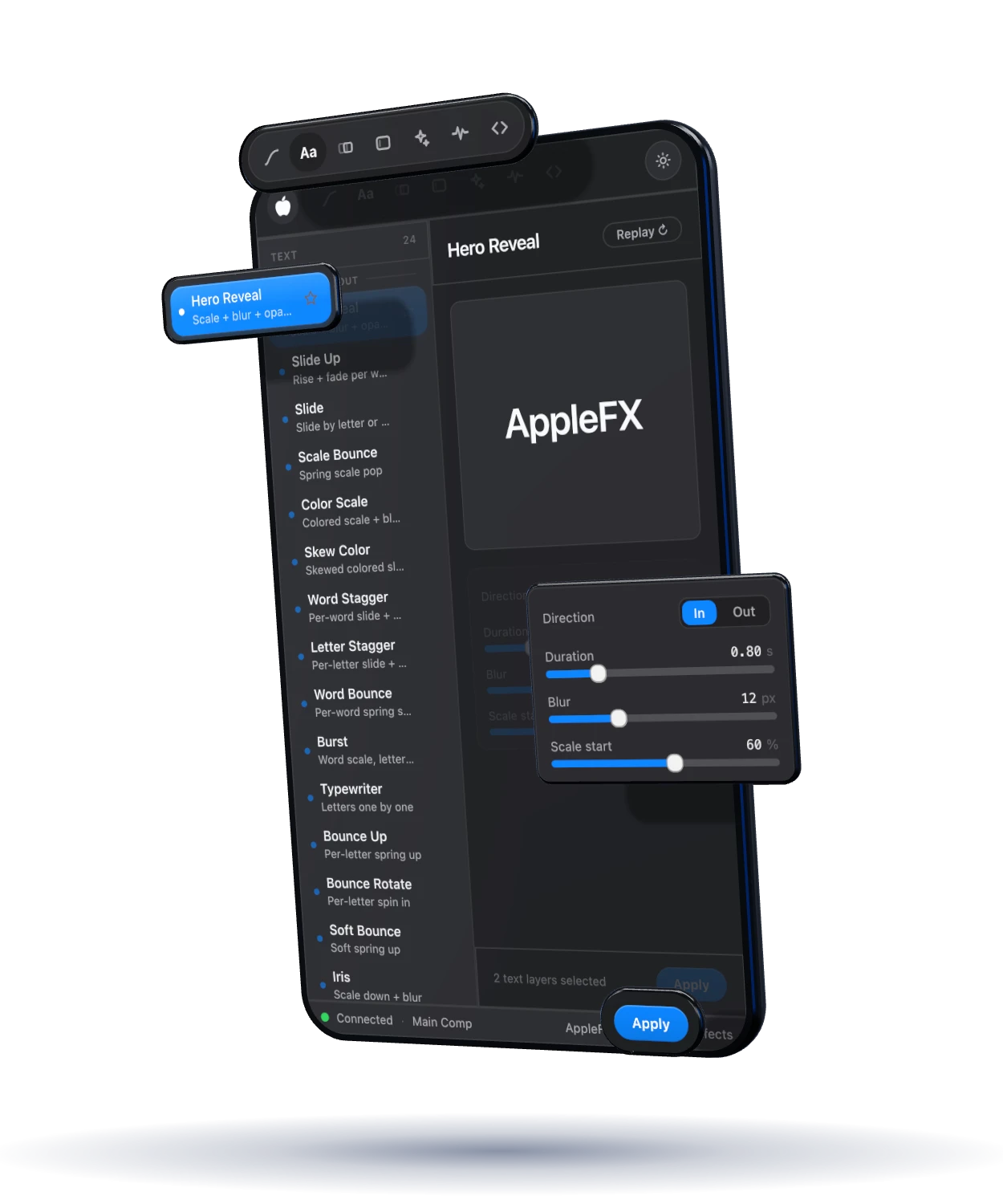
Watch it move before it ever touches your timeline.
Duration, blur, scale, direction. Dial it in, then apply.
Apply lands it on your selected layers. Nothing to paste, nothing to drag.
AppleFX follows your active comp, so it always knows where to land.
This is the real AppleFX interface, running in your browser. Switch tabs, pick presets, drag the sliders and the curve handles, then hit Apply.

One text layer. Fifteen real AppleFX presets. Press the button.
The panel, on a real timeline: pick a preset, press Apply, watch the motion land. This is the whole workflow.
 Plays with sound
Best product it saves me so much time
Adding a match cut feature would make it even better!
perfect script
lowk nothing speical
Hey, could you tell us specifically what you didn’t like and what you expected to see? AppleFX continues to be updated every month, and its customers can decide what they want to see in the next update, so you can write to us via email or contact us through Instagram: 8bit.brainn
Amazing plugin, great service
Monthly updates? SIGN ME UP!! Yes it is worth the current price, gotta love discounts! It has a bunch of presets that save so much time. Super clean ui, easy to use and understand straight away, has a good amount of content but can't wait for the future additions to this amazing plugin!
Every update lands in your panel automatically, free for life. Here is the road so far, and what is coming next.
Own AppleFX once and every release on this track, past and future, is already yours.
New presets every month, free for life once you own it.
One panel, one payment, every update after it. Install it tonight and your next edit already moves like a keynote.

Instant download · Lifetime license · Mac and Windows